Why Most Infographics Fail (And What Policy Work Taught Me Instead)
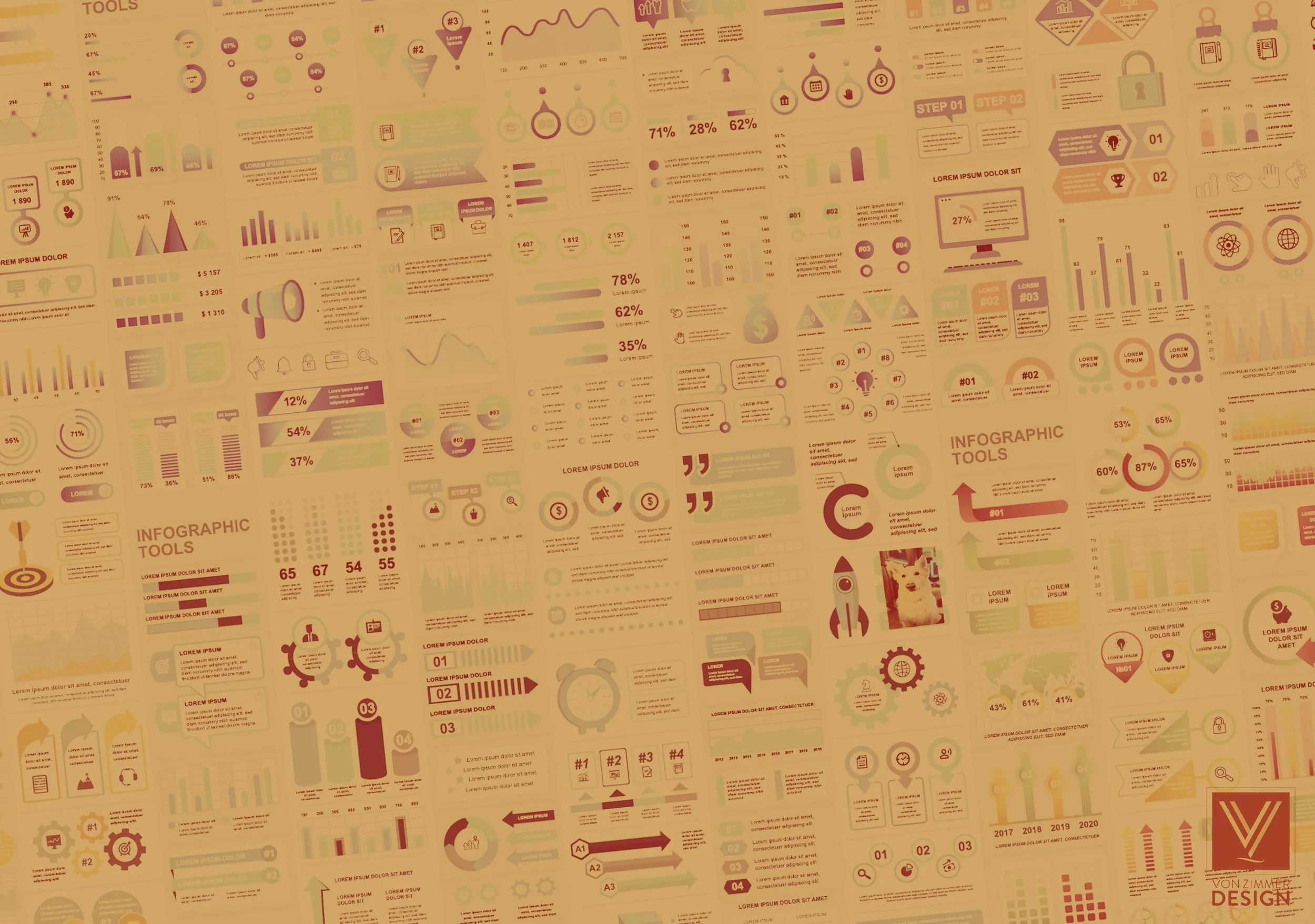
Infographics are everywhere—and most of them don’t work. They’re busy, over-designed, and trying to do too much at once. You can tell a lot of effort went into them. You just can’t tell what you’re supposed to take away. After years of designing in policy and data-heavy environments, I’ve learned this: It’s not a design problem. It’s a thinking problem. Design just makes the problem visible.
The “Everything Matters” Trap
Policy work is complex. There’s nuance, caveats, competing interpretations. The instinct is to capture all of it. So the infographic becomes a container for everything:
Multiple charts
Competing data points
Long blocks of explanatory text
The result is something that looks comprehensive—but reads like friction.
What I’ve learned instead:
An infographic isn’t a report. It’s a decision. Pick the takeaway first. If someone remembers one thing after seeing it, what should that be? Design everything around that.
Confusing Information with Communication
Just because information is present doesn’t mean it’s being communicated effectively. I see this a lot with charts that are technically correct but visually impenetrable—overloaded axes, too many categories, colors doing nothing but differentiating for the sake of it. It’s accurate, but it’s not effective.
What I’ve learned instead:
Clarity beats completeness. A simplified chart that communicates the point is more valuable than a perfect chart that requires interpretation. If someone has to study it, it’s just not working.
Every element needs a job. If it’s not reinforcing the message, guiding the eye, or creating hierarchy, it’s unnecessary. Good infographics don’t feel busy. They feel obvious.
Decoration Disguised as Design
When something feels flat, the instinct is to add more:
More icons
More color
More visual elements
But most of the time, that’s just layering decoration on top of an unclear idea. Now it’s not just unclear—it’s distracting.
What I’ve learned instead:
Every element needs a job. If it’s not reinforcing the message, guiding the eye, or creating hierarchy, it’s unnecessary. Good infographics don’t feel busy. They feel obvious.
No Visual Hierarchy
A common failure point is treating everything like it’s equally important. Same font size. Same visual weight. Same level of emphasis. So nothing stands out. Your eye doesn’t know where to go first—or what matters most.
What I’ve learned instead:
Hierarchy is the whole game.
What do you see first?
What do you read next?
What reinforces the message?
If that sequence isn’t intentional, the infographic becomes a wall of information.
Designing for Approval, Not Impact
Infographics often go through rounds of internal review. Each pass adds something:
“Can we include this stat?”
“What about this caveat?”
“We should probably show both sides”
By the end, the original clarity is gone. What’s left is something that satisfies stakeholders—but doesn’t land with an audience.
What I’ve learned instead:
Design for understanding, not consensus. Not everything needs to be shown at once. Not every perspective needs equal weight in a single graphic. If clarity is sacrificed to include everything, the whole piece loses value.
Final Thought
The best infographics don’t feel like infographics. They feel like a point being made clearly and quickly. In policy work, where the subject matter is often dense and the stakes are high, that clarity isn’t optional—it’s the whole point. Design isn’t there to decorate the information. It’s there to make sure the information actually lands.